
The Reputation Tech Stack Every Brand Should Have in 2026

Learn how to build a simple, reliable reputation stack so you can spot issues early, document what happened, and respond fast without chaos.
Reputation used to mean PR, reviews, and the occasional crisis statement. In 2026, it is also your search results, screenshots on social, AI summaries, employee chatter, and affiliate content you did not approve.
The hard part is not “having tools.” It is having the right tools connected to a workflow your team will actually use when something breaks on a Saturday.
This guide walks through a practical reputation tech stack: monitoring, archiving, alerting, and response workflows that reduce surprises and keep your brand resilient.
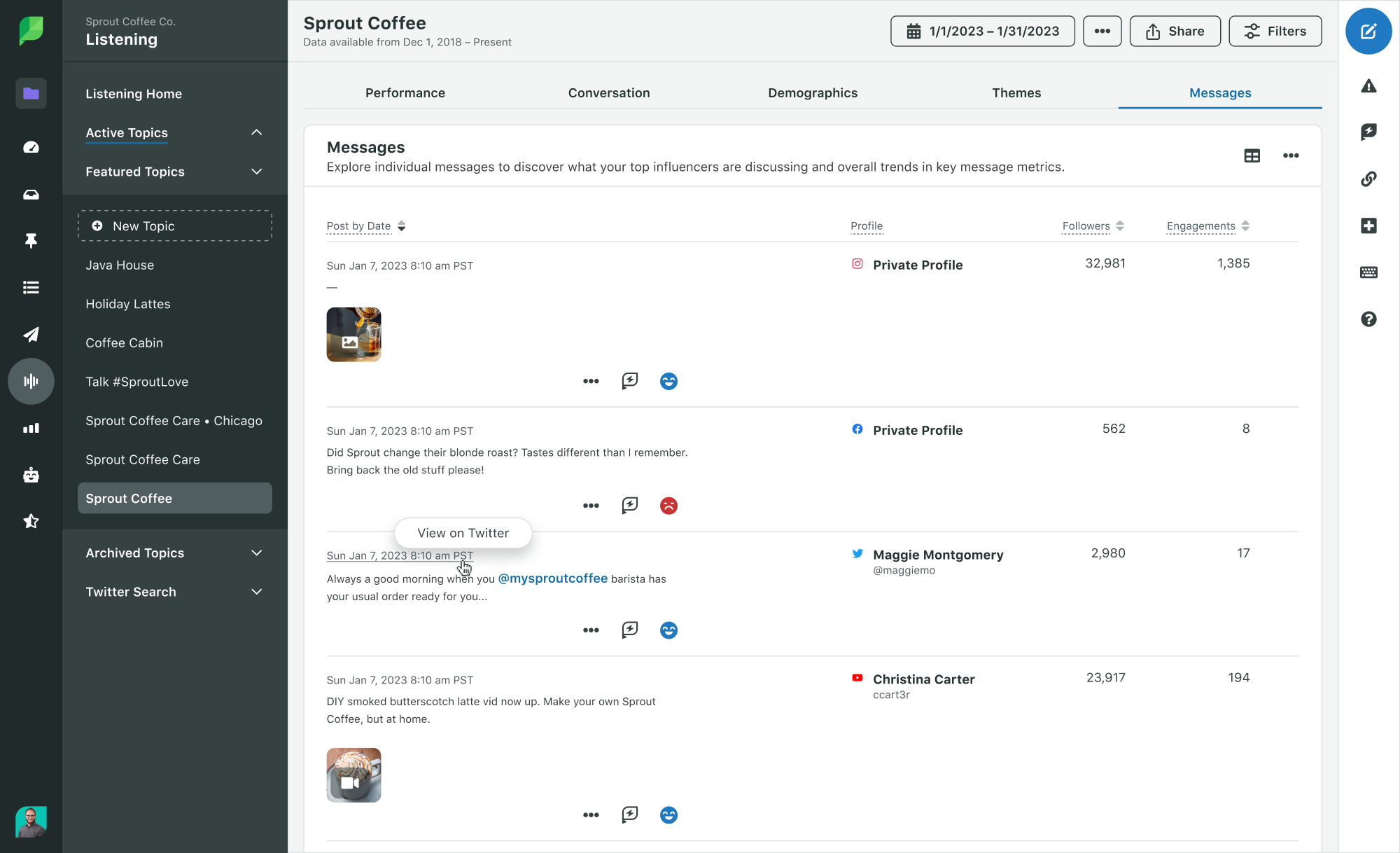
What is a reputation tech stack?
A reputation tech stack is the set of tools and processes you use to:
- Detect new mentions and risks early
- Preserve evidence (what was said, when, and where)
- Route issues to the right owner quickly
- Track decisions, actions, and outcomes over time
Think of it like security monitoring, but for trust. You are not only watching for “bad press.” You are watching for anything that could change how customers, partners, or employees perceive your brand.
Core components usually include:
- Monitoring and listening
- Review tracking
- Change detection (when a page updates)
- Archiving and evidence capture
- Alerts and escalation
- A response workflow and ticketing system
- Reporting and post-incident learning
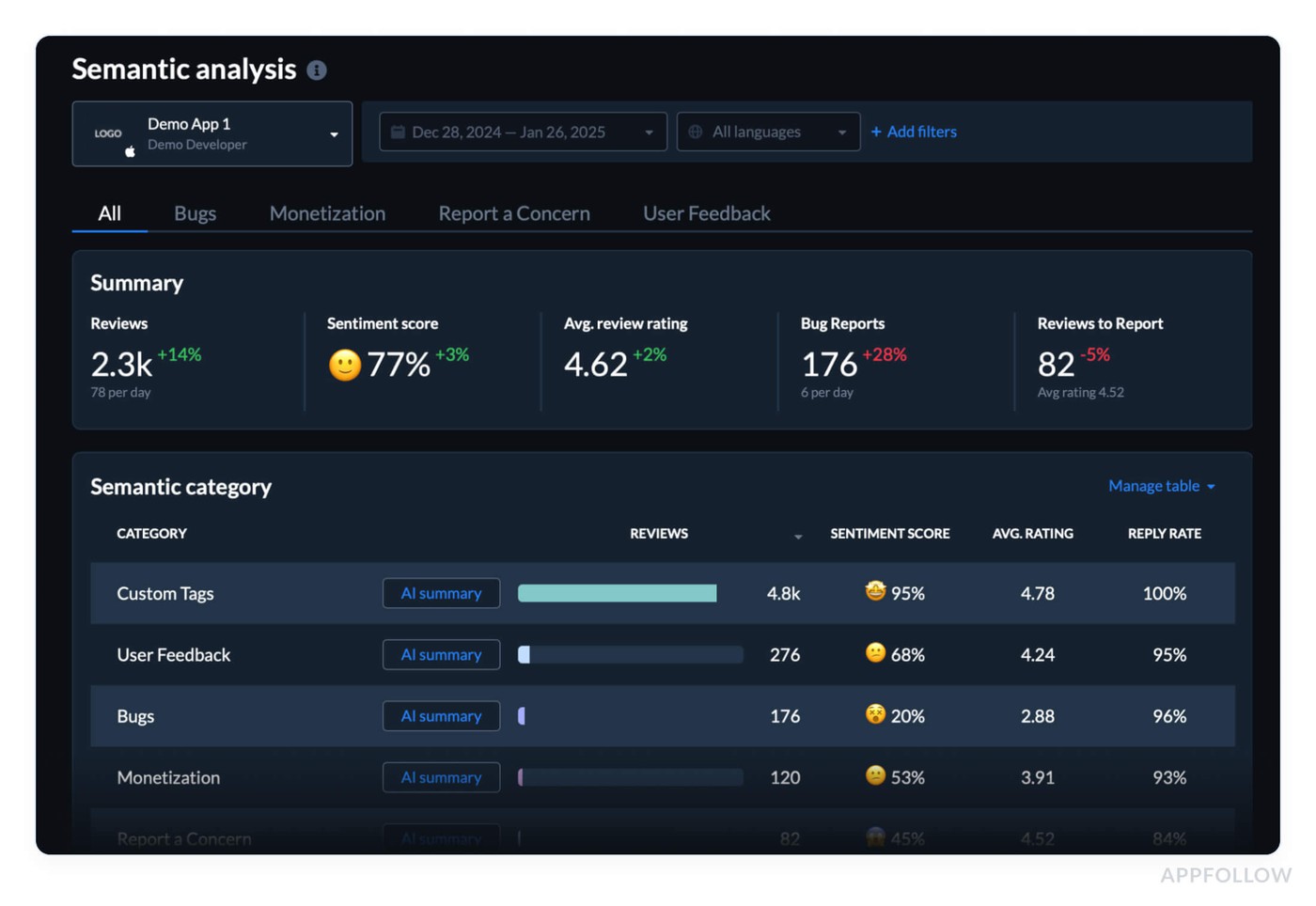
What should your stack do every week?
A good stack runs quietly in the background, then gets loud only when it should.
Here is the baseline behavior you want:
- It catches new mentions within hours, not weeks
- It shows you patterns (one-off complaint vs a spike)
- It saves proof automatically (screenshots, URLs, timestamps)
- It assigns an owner and a next step
- It creates a record you can reference later
If your team still relies on “someone saw it on X,” you do not have a stack. You have luck.

The four layers of a modern reputation stack
Monitoring and listening
This layer answers: “What is being said, and where is it spreading?”
Use a mix of sources because no single tool sees everything.
Search monitoring: Track branded queries, product names, executive names, and common misspellings. Include “scam,” “lawsuit,” “refund,” “review,” and your top competitors in watchlists.
News and media monitoring: Catch coverage, syndicated reposts, and local press pickups.
Social listening: Watch TikTok, Reddit, X, Instagram, LinkedIn, and niche forums relevant to your industry.
Community signals: Monitor Discords, Facebook groups, Substack comments, and creator communities if they influence your buyers.
Tip: Build three watchlists: “Brand,” “Executives,” and “Risk keywords.” Keep them short enough that someone can review them in 10 minutes.
Archiving and evidence capture
This layer answers: “Can we prove what happened if the content changes or disappears?”
You want evidence for internal decision-making and for conversations with platforms, publishers, partners, or legal counsel.
- Screenshots with timestamps: Capture the visible content and the URL.
- Page archiving: Save HTML or PDF copies, not just images.
- Change history: Track when a page updates, especially for FAQs, policy pages, and articles that quietly edit details.
- Asset library: Store brand-approved statements, FAQs, and escalation templates so you do not write from scratch under pressure.
Did You Know? Many high-impact incidents start as small edits: a headline update, a new comment thread, or a repost that outranks the original. If you only save one screenshot, you often miss the “before” version that matters most.
Alerts and escalation
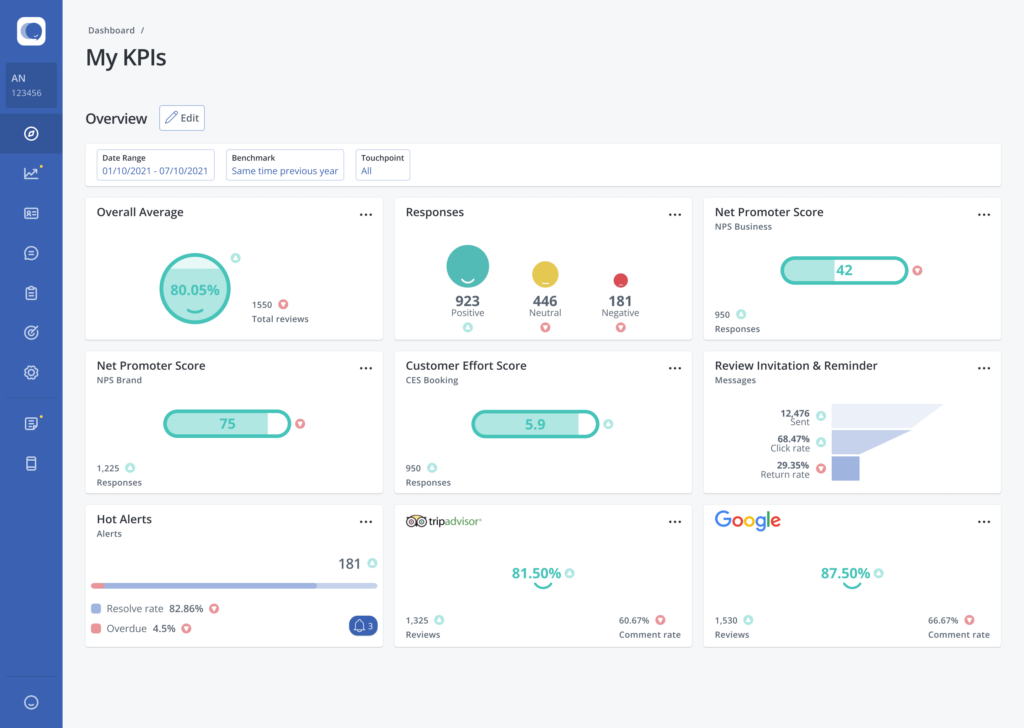
This layer answers: “Who needs to know, and how fast?”
Alerts should be tied to severity. Otherwise, people mute them.
- Low severity: Daily digest to comms or marketing.
- Medium severity: Immediate Slack or Teams alert to a triage channel.
- High severity: Pager-style escalation (text/phone) to an on-call owner.
What triggers an escalation?
- Sudden spike in branded search interest
- A high-follower creator mentions your brand negatively
- A regulator, journalist, or investor posts about you
- A review bombing pattern
- A negative article starts ranking for your brand name
- Customer support sees repeated complaints about the same issue
Key Takeaway: Your alerts should route to an owner, not a group. Groups create silence because everyone assumes someone else will handle it.
Response workflow and reporting
This layer answers: “What are we doing about it, and did it work?”
A reliable workflow includes:
- A triage intake form (what happened, link, impact, screenshots)
- A severity rubric (Level 1 to Level 4)
- Clear owners by category (reviews, press, legal, HR, product)
- A ticketing system (so actions do not live only in chat)
- Post-incident review (what we learned, what to change)
Your reporting should show trends, not vanity metrics. Track:
- Time to detect
- Time to first response
- Time to resolution
- Repeat issue categories
- Top sources of risk (platforms, partners, locations)
- Search visibility shifts for branded queries
A practical stack blueprint (simple, then scalable)
You can build a strong stack without buying an enterprise suite on day one.
Starter stack (lean teams)
- Monitoring: Google Alerts plus one dedicated mention tool (brand + execs)
- Reviews: Google Business Profile notifications plus a review inbox tool if you have multiple locations
- Archiving: A shared evidence folder structure plus a page capture tool
- Workflow: A single Slack channel for triage plus a lightweight ticket board (Trello, Asana, or Jira)
- Reporting: Monthly snapshot in a doc or dashboard
Growth stack (multi-location or high visibility)
- Monitoring: Broader coverage across news, social, and forums
- Reviews: Centralized review management with tagging and routing
- Archiving: Automated capture and change detection for key URLs
- Alerts: Severity-based rules with on-call escalation
- Workflow: Standard playbooks by incident type plus an incident log
- Reporting: Dashboard that ties issues to business impact (leads, churn, conversion)
Enterprise stack (regulated, global, or frequent incidents)
- Monitoring: Full media intelligence plus global language coverage
- Reviews: SLA-driven routing and role-based permissions
- Archiving: Compliant retention policies and immutable storage
- Alerts: Integrated SOC-style escalation
- Workflow: Cross-functional incident response with legal review gates
- Reporting: Executive reporting and board-ready risk summaries
Where removal and suppression fit in the tech stack
Not every problem can be “responded” away. Sometimes the goal is to reduce visibility of harmful content, correct misinformation, or request removal when content violates platform rules or the law.
Your stack should help you decide which path is realistic:
- Respond: When it is a service issue, misunderstanding, or isolated complaint
- Correct: When something is outdated or factually wrong and can be updated at the source
- Remove: When content violates rules, privacy standards, or legal requirements
- Suppress: When removal is not possible, but you can outrank it with stronger assets
If you want a plain-language starting point for content removal options, visit Erase’s website.
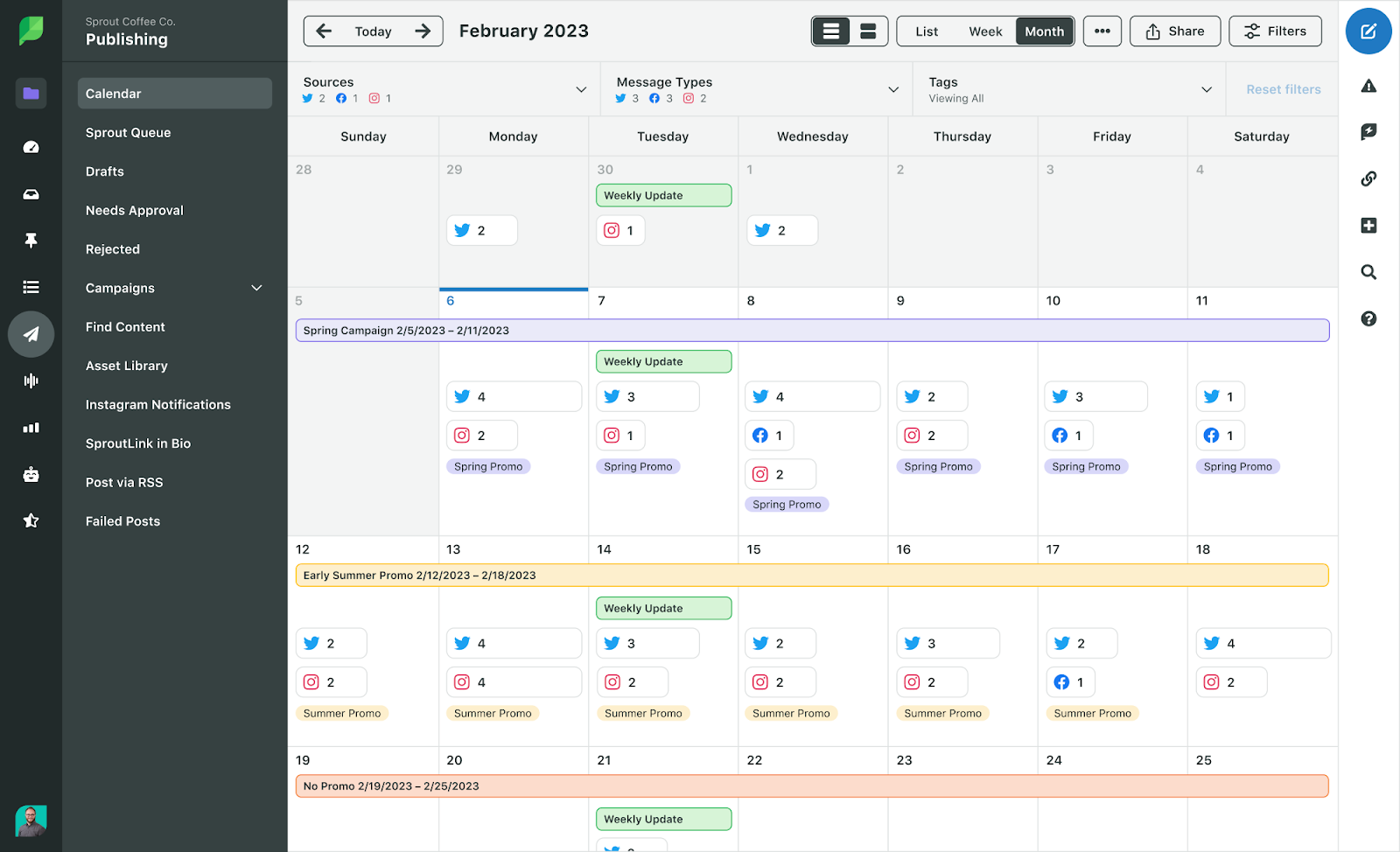
How much does a reputation tech stack cost?
Costs vary widely, mostly based on coverage and complexity.
Common pricing drivers:
- Number of keywords and brand entities you track
- Languages and countries covered
- Social platforms included (some require premium access)
- Volume of mentions and retention length
- Number of locations (for reviews)
- Automation and integrations (Slack, Teams, CRM, ticketing)
Typical ranges (broad and non-binding):
- Starter tools: low monthly spend, but higher manual effort
- Growth tools: moderate monthly spend, strong time savings
- Enterprise suites: higher spend, deeper coverage and governance
Tip: Ask vendors what they do not cover. Many tools look “complete” in a demo, then miss the exact sources where your buyers actually talk.

How to choose the right tools for your business
- Define your risk surface: List where reputational risk shows up for you: local reviews, industry forums, app stores, news, employee platforms, partner channels, or executive visibility. A B2B SaaS brand and a multi-location clinic need different coverage.
- Pick your “single pane” for triage: Decide where issues should land first. For most teams, that is a Slack triage channel plus a ticket board. Your monitoring tools should push into that system cleanly.
- Decide what must be automated: Automate the parts that break during busy weeks: evidence capture, routing, and reminders. Keep judgment calls human.
- Build playbooks before you need them: Create short playbooks for your top incident types:
- Review spike
- Negative article starts ranking
- Creator criticism
- Data leak rumor
- Employee allegation
- Product safety complaint
Each playbook should include: owner, first response, facts to gather, approval steps, and “do not do” guidance.
Test the stack with a drill: Run a 30-minute tabletop exercise. Example: “A Reddit thread accusing us of X is trending and a local reporter is asking for comment.” If your team cannot find links, capture proof, assign owners, and draft a response quickly, fix the workflow before you buy more tools.
How to find a trustworthy setup (and avoid common traps)
Red flags that usually cause wasted spend and missed issues:
- All alerts, no triage: The tool floods inboxes but does not help route or prioritize.
- No evidence capture: You can see a mention, but you cannot preserve it reliably.
- Reporting without action: Dashboards look nice, but nobody owns outcomes.
- One tool promise: Any vendor claiming they “cover everything” is overselling.
- No integration story: If it cannot connect to your workflow, it will not get used.
Green flags to look for:
- Clear coverage map (what sources are included and excluded)
- Easy exports and evidence capture
- Role-based workflows (especially for legal and HR touchpoints)
- Simple rules for routing and escalation
- Strong support and documented onboarding
Reputation tech stack FAQs
How fast should we detect a reputation issue?
For high-visibility brands, hours is the goal. For smaller brands, a daily review cadence can be enough, as long as alerts exist for spikes and high-severity keywords.
Do we need social listening if we are not active on social?
Often yes. People talk about brands where brands are not present. If your customers use Reddit, TikTok, or creator communities to make buying decisions, listening matters even if posting does not.
What is the biggest mistake teams make with reputation tools?
Alert overload. If everything is urgent, nothing is. Start with a small set of high-signal alerts, then expand once your workflow is stable.
Should reputation sit with marketing, comms, or customer support?
It should be shared, but owned. Many teams place triage with comms or marketing, then route issues to support, legal, HR, or product based on category. What matters is a clear owner and a clear escalation path.
Can tools prevent a crisis?
Tools do not prevent crises by themselves. They reduce detection time, preserve evidence, and make response more coordinated. That is often the difference between a small issue and a multi-week problem.
Conclusion
A reputation tech stack is not about buying the biggest platform. It is about building a system that spots risk early, captures proof, routes issues to an owner, and creates consistent responses.
Start simple: monitoring, evidence capture, and a triage workflow. Then scale into automation and deeper coverage as your visibility grows.
If you want to make your brand more resilient in 2026, the best next step is to audit what you have today, run a short drill, and fix the gaps that show up under pressure.
For more on the latest in lifestyle, culture and travel reads, click here.
The post The Reputation Tech Stack Every Brand Should Have in 2026 appeared first on LUXUO.